Google Business Profile Suspended? How to Get It Back
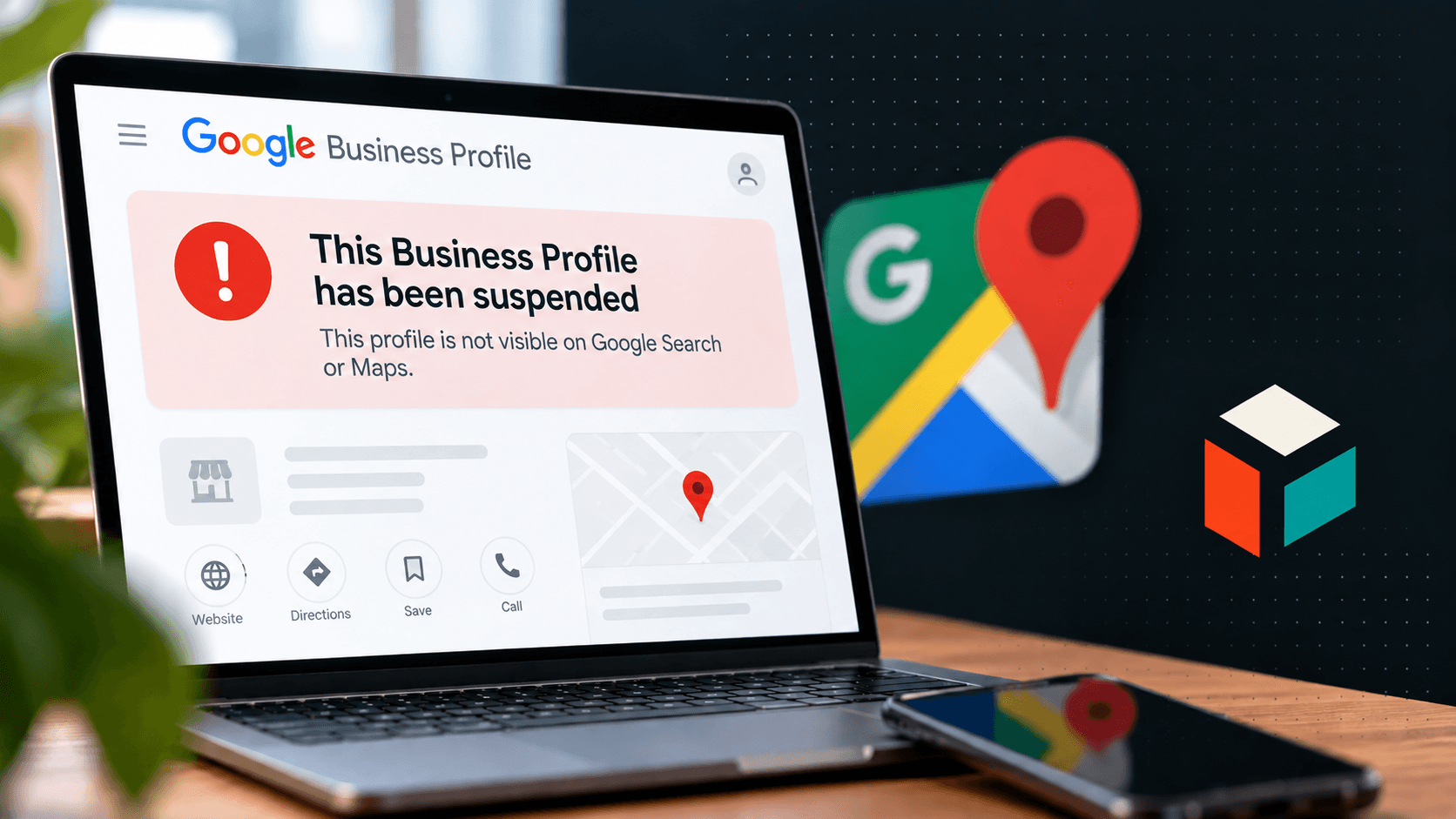
By Three Points Social | Local SEO & Google Business Profile Specialists
You open your Google Business Profile dashboard and see a message that every local owner dreads: your Google Business Profile has been suspended. Calls slow down. Your listing may disappear from Maps. Reviews may stop showing. It feels urgent.
If you are asking, “Why is my Google Business Profile suspended?” the answer is usually one of a few guideline issues. The good news is that most suspensions can be fixed. The bad news is that panic, guesswork, or a brand-new profile usually makes the problem worse. This guide explains the reasons for Google Business Profile suspension, how to tell which type you have, and how to reinstate Google Business Profile access the right way.
What a Google Business Profile suspension actually means
Google suspends a Business Profile when its systems, or a human reviewer, think the listing breaks the Google Business Profile rules. Sometimes that call is right. Often it comes from an automated check that reacts to an edit, a pattern, or a competitor report.
There are two broad types of suspension, and they work very differently.
Soft suspension
With a soft suspension, your profile usually still shows on Google Search and Maps, but you lose the ability to manage it. You may see a notice that the profile is suspended or has limited access. You cannot edit, post, or reply to reviews. Soft suspensions are often tied to one issue, such as a recent edit or a verification problem.
Hard suspension
A hard suspension removes the listing from Google Maps and Search completely. Reviews, photos, and rankings vanish from public view. This usually happens when Google believes the business itself is unfit, fake, or badly misrepresented. Hard suspensions need more proof to reverse, but they are not always permanent.
Quick test: Search for your business name on Google Maps from a device where you are not logged in. If the listing still shows, you are most likely dealing with a soft suspension.
Most common reasons for Google Business Profile suspension
Understanding the trigger is half the fix. These are the reasons we see most often:
· Keyword stuffing in the business name. Adding city names or services to your name ("Smith Plumbing – Best Emergency Plumber Miami") is one of the fastest ways to get flagged. Your name on Google should match your real-world name on signage, invoices, and your website.
· Using an address you cannot verify. Virtual offices, coworking desks you do not staff, and PO boxes are not eligible locations. If customers cannot visit, or you are not physically there, Google may treat the address as invalid.
· Service-area businesses showing an address. If you travel to customers — plumbers, cleaners, mobile mechanics — you should usually hide your address and set a service area instead.
· Major edits in a short time. Changing your name, address, category, and phone number at once can look like a hijacked or repurposed listing.
· Duplicate or multiple listings. Creating several profiles for the same business, or one profile for each service, breaks the rules.
· Unfit business type. Online-only businesses, rental properties listed on their own, and ongoing services run from a place customers never visit may not qualify.
· Suspicious review activity. Buying reviews, review gating, or sudden bursts of reviews can trigger enforcement against the profile.
· Competitor reports. Anyone can suggest an edit or report a listing. One report rarely causes a suspension on its own, but it can prompt a review.
How to reinstate Google Business Profile: step by step
Step 1: Stop editing, and do not create a new profile
The instinct is to fix everything at once or start over with a fresh listing. Do neither. New edits can reset or confuse the review, and a second profile for the same business is itself a rule break that can lead to both profiles being removed.
Step 2: Read the guidelines against your listing
Open the Google Business Profile rules and compare them to your profile line by line. Check the business name, address, service area, categories, phone number, website, and hours. Most suspensions come from one or two clear issues.
Step 3: Fix the real problem
Correct anything that does not match reality. Remove keywords from the business name, hide the address if you are a service-area business, and make sure the phone number and website belong to this location. The goal is a profile that matches how a customer would find and use your business.
Step 4: Gather proof that your business is real
Google may ask for evidence, and strong evidence helps. Useful documents include:
· A business license or registration showing your business name and address
· A utility bill or lease agreement in the business name at that address
· Photos of permanent exterior signage, the storefront, and the street
· Photos of branded vehicles, uniforms, or equipment for service-area businesses
· Your website showing the same name, address, and phone number
Make sure the names and addresses on your documents match your profile exactly. Mismatches are one of the most common reasons appeals fail.
Step 5: Submit a Google Business Profile appeal
Sign in to the Google account that manages the profile and use Google's official appeal or reinstatement process. You can reach it from the suspension notice in your profile or from the Google Business Profile Help Center. Upload your evidence, keep your explanation short and factual, and explain what you corrected.
You may also be asked to complete Google Business Profile video verification. In that process, you record your location, signage, and proof of management in one continuous clip. Plan the route before you record so the video is smooth and complete.
Step 6: Wait, and track your case
Review times vary. Some appeals are resolved within days. Others take several weeks. Watch your email for updates and check the appeal status in your account. Sending multiple appeals for the same issue does not speed things up.
Step 7: If the appeal is denied
A denial is not always the end. Read the reason carefully, fix any remaining issue, gather stronger evidence, and appeal again if the option is available. You can also ask for guidance through the Google Business Profile Help Community, where experienced volunteers often spot problems fast.
What to do while you wait
A suspension does not have to stop your business from getting customers. In the meantime:
· Keep your website updated with your name, address, phone number, and services.
· Make sure your listings on Bing Places, Apple Business Connect, and major directories are accurate, see our guide to local citations and NAP.
· Ask happy customers to leave reviews on other platforms that matter in your industry.
· Consider a short-term paid campaign if leads drop sharply.
How to avoid future suspensions
· Use your real-world business name, with no added keywords.
· Only list an address where you actually serve customers or have staffed operations.
· Make big changes one at a time, and space them out.
· Never buy reviews or offer incentives for them.
· Keep only one profile per real location.
· Review your profile monthly for suggested edits you did not make.
· Keep a folder of verification documents so you are ready if Google ever asks.
Final thoughts
A suspended Google Business Profile is stressful, but it is usually fixable. Stay calm, find the real cause, fix it, and back up your appeal with clear, consistent proof. Businesses that follow the guidelines closely are not only more likely to be reinstated, they are also far less likely to be suspended again.
If your listing is gone but you are not sure it was suspended at all, start with why your business might not be showing on Google Maps — not every disappearance is an enforcement action.
If your profile is suspended and you are not sure what triggered it, a professional audit can often pinpoint the issue before you submit your Google Business Profile appeal. That gives you the best chance of getting it right the first time. That is exactly what our Google Business Profile management service does. Get a free audit, and we will tell you what we find.
Frequently Asked Questions
How can I tell whether my Google Business Profile has a soft or hard suspension?
Short answer: Search for your business name on Google Maps from a device or browser where you are not logged in. If the listing still appears publicly but you cannot manage it, it is likely a soft suspension. If the listing is gone from Search and Maps entirely, it is likely a hard suspension and may need stronger proof to reinstate.
Should I create a new Google Business Profile if my current one is suspended?
Short answer: No. Creating a new profile for the same business can make the problem worse because duplicate listings break Google Business Profile rules. It can also lead to both profiles being removed. The safer move is to find the issue, fix it, and submit an appeal through the official reinstatement process.
What evidence should I prepare before submitting an appeal?
Short answer: Gather documents and photos that prove the business is real and that the profile information is accurate. Helpful evidence can include a business license, registration, utility bill, lease agreement, exterior signage photos, storefront photos, branded vehicle photos, uniforms, equipment, and a website showing the same name, address, and phone number. The details should match the profile exactly.
Why do appeals get denied even when the business is legitimate?
Short answer: Appeals often fail because the profile still has a rule issue or the evidence does not match the listing. Common problems include mismatched names or addresses, keyword-stuffed business names, invalid addresses, visible addresses for service-area businesses, duplicate profiles, or weak documents. Reviewing the denial reason and strengthening the evidence can improve the next appeal.
What should I do if leads drop while I am waiting for reinstatement?
Short answer: Keep your website accurate and updated, check that other listings such as Bing Places, Apple Business Connect, and major directories are correct, encourage customers to review your business on other relevant platforms, and consider a short-term paid campaign if the suspension causes a sharp drop in calls or inquiries.