Why Your Business Isn't Showing Up on Google Maps (7 Fixes)
By Three Points Social | Local SEO & Google Business Profile Specialists
Why Your Business Isn't Showing Up on Google Maps (7 Fixes)
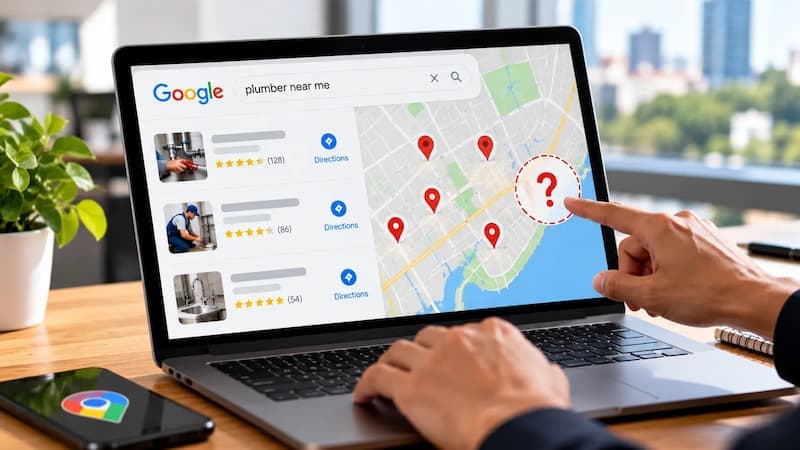
You search for your own service in your own city. A competitor shows up. You do not. That is not luck. If you keep seeing Google Maps not showing my business, one of these seven issues is usually the cause.
How Google Maps Ranks Local Businesses
Google Maps ranks local businesses on three things:
· Relevance
· Distance
· Prominence
If your business is missing from the results, one of those is weak.
7 Reasons Your Business Isn't Showing on Google Maps
Here are the seven issues we see most often in Google Business Profile audits, plus the fix for each one.
1. Your profile is not verified
An unverified profile may not show well in Maps. Log in to your Google Business Profile and look for the Verify step. If you see it, finish Google Business Profile verification first. Nothing else matters until you do.
2. You picked the wrong main category
Your main category is the strongest relevance signal on your profile. A plumber listed as Contractor will often lose to a competitor who chose Plumber. Google Business Profile categories matter. Pick the most exact main category, then add secondary ones for the rest.
3. Your profile is missing key info
Missing hours, services, photos, or a business description can make your profile look weak. Fill in every field. Add each service with a short note. Upload real photos of your team, your work, and your vehicles.
4. Your name, address, and phone do not match
Google checks your profile against your website, Yelp, Facebook, and directory listings. If an old phone number or old address still shows up, Google gets mixed signals. Make your name, address, and phone number match everywhere. Keep the same format too.
5. You have too few or old reviews
Reviews help prominence. If the top three businesses have 150 reviews and you have 12, you are not in the same race. Fresh reviews matter too. A steady flow of new reviews is better than one big burst from two years ago. See our guide on how to get more Google reviews.
6. You are too far from the search point
Distance matters. If you search from home and your office is 15 miles away, you may be outside your map area. Use a rank grid tool to see where you show up across your service area. This is a key part of local SEO for Google Maps.
7. Your profile was suspended or filtered
Keyword stuffing, a fake office address, or a bad service-area setup can get a Google Business Profile suspended. If that happens, fix the issue before you ask for reinstatement.
What to do next
Most businesses have two or three of these issues at once. They can be hard to spot from the inside. If you are asking, “How do I get my business on Google Maps?” start with a free audit. We will show you what is wrong and what to fix first.
Frequently Asked Questions
Why is my business not showing on Google Maps?
Short answer: Google Maps uses relevance, distance, and prominence. If your business is missing, the cause is often a bad category, missing details, weak reviews, bad name, address, and phone data, no verification, or a search that starts too far away.
What should I fix first if my Google Business Profile is not showing up?
Short answer: Start with Google Business Profile verification. If the profile is not verified, it may not show well in Maps. After that, fix your category, hours, photos, reviews, and listings.
Why do Google Business Profile categories matter so much?
Short answer: The main category tells Google what your business does. A broad or wrong choice can hurt your rank in Google Maps. Pick the most exact category for your main service.
How do reviews affect Google Maps visibility?
Short answer: Reviews help prominence. More recent reviews are better than old ones. If your competitors have many more reviews, they may outrank you.
Why might my business not show up when I search for it myself?
Short answer: Distance may be the reason. Google Maps changes based on where the search starts. If you are far from your office, you may not see your own listing. A rank grid can show your real reach.